Important note – this article is current as of 2017 🙂 There are several updates to the process in the comments, so check those out too.
I also got an email from another person who recently went through this process (September 2020), but I’m still waiting for information from them about what the process looks like now.
If you still feel like reading what the process was like in 2017, you can read the whole article.
If not – jump straight to the comments to see what has changed and what new headaches people are running into.
Original article from 2017
TL;DR; and the concrete steps are at the end of the post 🙂
Around Christmas I stumbled upon a pretty good deal – a Transcend 480 GB SSD for $86 – score! The problem: it was from Amazon.com, which meant it would get held up at customs.
Price and greed won out, and I ordered it on December 28th, and by January 3rd it was already in Sofia. Shipped with DHL, all great. The DHL staff explained that they needed a power of attorney, a description of the goods in Bulgarian, and the coveted EORI number.
The first two are trivial. A visit to a notary and one line of free text.
The EORI number, however, was a whole different story.
As anyone who has dealt with customs knows, there are two kinds of EORI numbers – permanent and temporary. The temporary one is issued on the spot and is valid for one specific shipment. If you need it for future parcels, you have to get a new one every time.
From acquaintances I had heard that the permanent EORI number is issued for free through the customs online system. DHL, on the other hand, wanted a certain sum for getting one. I have faith in electronic systems (how naive of me) and decided to save a little money.
On the afternoon of the 3rd I sat down and started wondering how this works and how exactly to “register” an EORI number.
The customs electronic portal (ecustoms.bg) is useless if you access it directly. Why? Because it wants you to be already registered in it. I’ll repeat – to access it, you need to be already registered in it. How you’re supposed to register if you’re not registered remains a mystery to me. The other, smaller drama is that it requires an e-signature to be accessed at all.
So far so good (not). I opened Google and started casting spells to figure out how to submit the coveted application. A few searches later I landed on the following page: http://ecustoms.bg/eportal/public/Controler?control=UpdateForm&doc\_def\_id=24&row\_id=1¶m\_selector=4
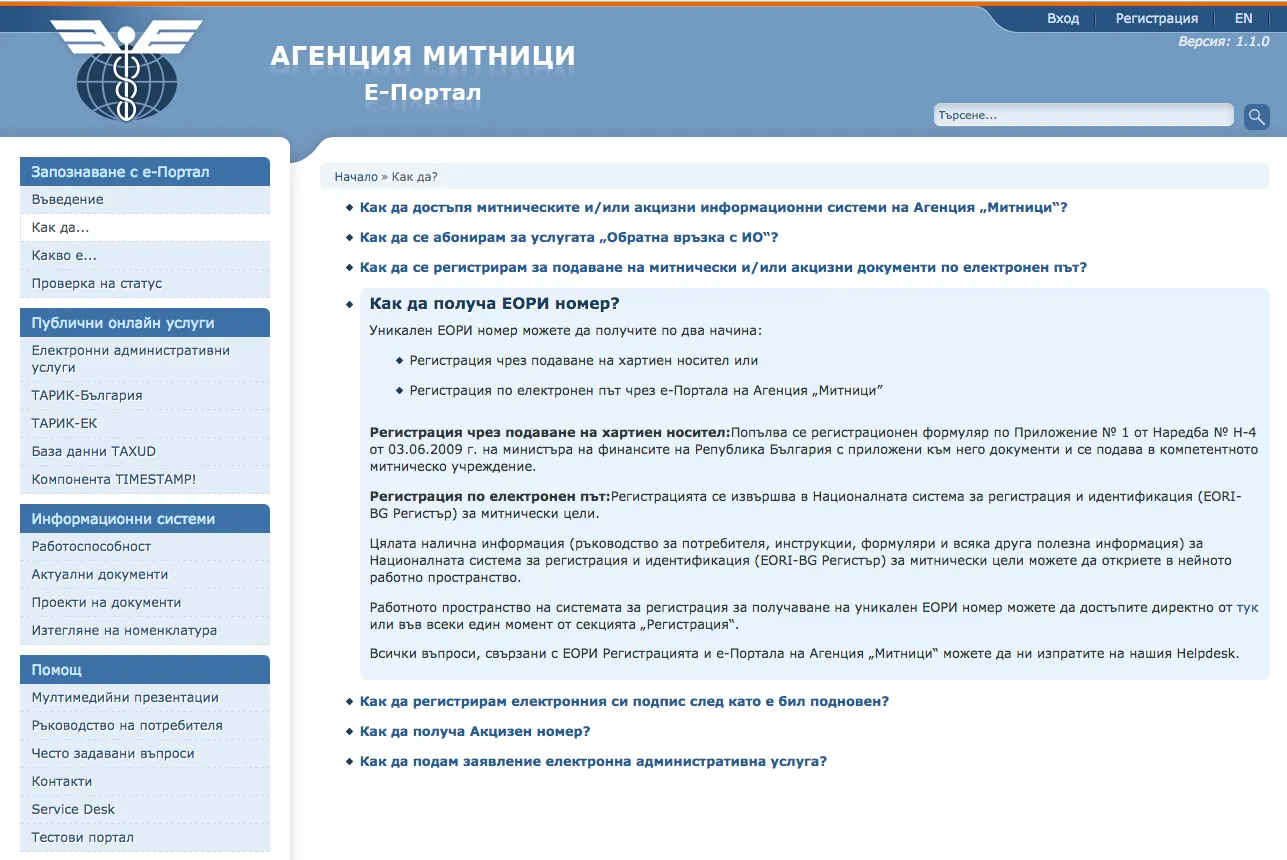
So far so good, I read through the text, barely spot the hidden link on “here”, click and… nothing. The link sends me to a non-working system – https://ecustoms.bg:18443/eportal/servlet/Controler?control=ReaderForm&doc\_def\_id=3&row\_id=5
For a while I mutter assorted incantations and hope this isn’t one of those online systems that only work 9-to-5 on business days, but I don’t give up and keep going.
More Google spells, and after several failed attempts, by some enormous coincidence I land on: https://eori.customs.bg:8443/. Cue surprise, gasps, celebration, etc.
I quickly plug in the e-signature and feverishly start exploring the interface, which consists of a total of 4 buttons, two of which are Exit and one Refresh. The last button was something like “Registration”, but since it disappears after you’ve made a registration once, I can’t tell you exactly what it said.
Click, and a form pops up with several different kinds of fields and some codes on them. I filled in the ones I understood, but the others were terra incognita. Some were in bold, some weren’t, but it wasn’t clear which were mandatory and which weren’t.
Back to Google. Spells – nothing. In the end I decided to search for specific phrases from the fields and by some fluke I managed to find http://ecustoms.bg/eportal/public/DocumentViewer?row_id=265, which turned out to be the ordinance establishing the EORI-BG registration. How nice. Instead of a few popups with a short description of each field, you have to dig through ordinances and laws to fill out one form. C’est la vie, or in Bulgarian terms – that’s how it is here.
One ordinance won’t stop me. I skim it and reach the bottom, where I see several sample forms used for the paper version of the application. I finish filling in my form, save, sign with the e-signature and start hoping.
Start of the process around 6 PM, finished at 9:43 PM. For one online application.
It would have been faster if I had gone to one of the customs offices in Sofia and done it on the spot, except that this EORI number is issued according to your permanent address, and I’m still registered in Montana. Yes, but there’s no customs office in Montana. The closest one is in Lom, about 40 km from Montana. I’m in Sofia. If you submit the application on paper, you have to go there twice, which I really didn’t like. It’s snowing outside, it can only be done on a working day, and all the other delights of the state administration.
Up to this point I still believe in electronic systems and I’m glad I won’t have to travel to the other end of Bulgaria for something so minor (and save some money, right, since that’s where it all started).
Two days pass, it’s already Thursday, and there’s no movement on the application. I’m starting to have some doubts. I called the customs Service Desk, where the employee very politely told me the deadline is up to 5 working days and if it’s not done after that, to call again. Fine, I’ll wait.
During the day I read up on these coveted online EORI applications and what experiences people have shared, and it’s the same for everyone – if you’re lucky, you’re lucky, if not, you wait. Someone mentioned that they asked at the regional customs office and were told that no such application had been received. This is where my faith in the electronic system starts to wobble threateningly.
Today, Friday, I decided it would be a good idea to check whether I might be one of the victims of the electronic system. I call the customs office in Lom. A polite employee told me to call the department responsible for this. She gave me a local number for Lom without the area code, and after a few silly questions about what this number she was dictating was, I managed to understand that it was actually a different phone I should call. We smiled at each other over the phone about the situation, and I called the number she gave me.
There, another polite gentleman picked up and, after I asked my question, told me they process applications when they arrive, nothing had arrived on their end, and he’d check what was going on and why it hadn’t been received. I should call back in 10 minutes or so. I’m glad that at least everybody along the chain was human about it, without that communist-era snapping and haughty talk. I started waiting, and in less than 5 minutes I got a notification of a new email with the subject: “Information about your EORI registration!” YAY! I got it!
I sent it to DHL and now all that’s left is for the parcel to be released and for me to receive it. Yay! (again)
By way of conclusion (or TL;DR;), here’s a more condensed guide on how to get a permanent EORI number online:
- Get an e-signature, if you don’t have one.
- Go to: https://eori.customs.bg:8443/.
- Download http://ecustoms.bg/eportal/public/DocumentViewer?row_id=265 to see how to fill in the fields. The information you need is on the last few pages.
- Submit the application and be sure to sign it. You should see a row with the following value in the Action column: EORI-REG-SIGN.
- Wait a day, or if you’re feeling lucky, call the regional customs office you submitted the application to and tactfully ask whether they’ve received it, because the electronic system was giving you some errors. Don’t mention that you’re in a hurry.
- After a short while you’ll receive the coveted EORI number.
A few notes:
The electronic signature has to be in your name, since a lot of data (names, personal ID number, email) is pulled from the signature when filling in the form. That is, it can’t be done with a friend’s signature.
The system is quite odd to work with and at times is quite willful.
Submit and sign the form after carefully checking all the fields.
It worked successfully on Chrome on a Mac with an Infonotary signature.
A note added from Petya’s comment below:
When I try to sign with the electronic signature, a file download (stampitls) starts. After a two-day fight with the Customs HelpDesk they sent me an instruction, with which I managed to sign.
And one more thing – if your address is in Sofia and you decide to get an EORI number with an e-signature, when choosing the customs office pick ТМУ Столична – it takes about an hour, whereas if you pick Sofia Airport – it can take up to 5 working days